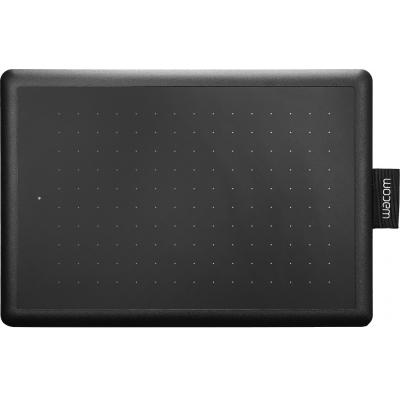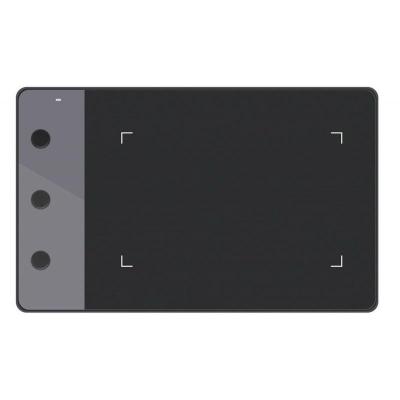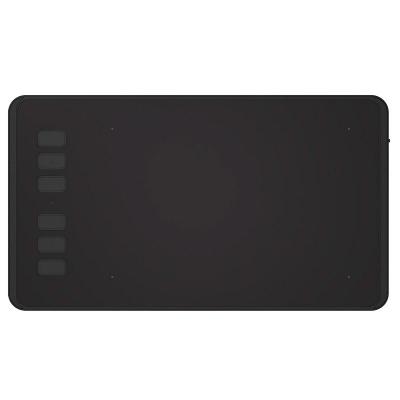
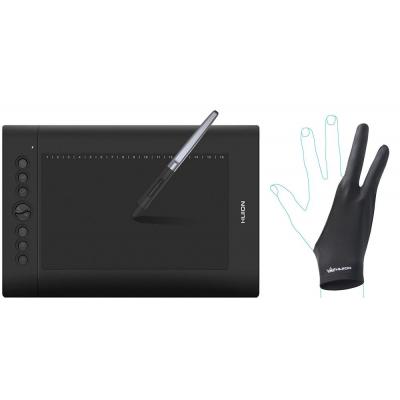
Graphics tablet Huion H610Pro V2 (H610PROV2)
4 949 ₴
Huion H610Pro V2 Graphics Tablet (H610PROV2)
Working area: 10x6.25 "
One of Huion H610Pro's best-selling products, with a large active area of 10 x 6.25", you can develop your creativity without any limitations. You will be able to control the thickness, transparency and color of the line more easily and accurately. It will help you perform the most difficult tasks in design, drawing, and other areas of graphic work.
8 customizable express keys and 16 programmable keys
8 express keys on the left and 16 hot programmable keys on the top of the tablet allow you to adapt the tablet to your software and increase the speed and efficiency of your work.
Rechargeable pen
With the Huion digital pen, you can draw with either your left or right hand. The pen can replace the mouse, which can be very convenient. Huion H610 PRO is a professional drawing tablet. Works with various software, including Photoshop, Illustrator (Adobe package), CorelDraw and other programs from various manufacturers.
Compatibility
OS support: Win 10 / Windows 8 / Win7 / Mac OS 10.8.0 and above
Many of us, when learning the basics of working with graphic applications, often come across such a concept as a graphic tablet, while they do not even suspect that such tablets are an integral part of this work. They are very popular and widely used by many designers and photographers. "Why so?", you ask. But because they are convenient and easy to use, and also allow you to significantly reduce the time of work (whether it is drawing or even photo processing).
A graphics tablet is a device for entering drawings by hand directly into a computer. Drawing on a graphic tablet is similar to drawing on a sheet of paper with a pencil.
What makes graphics tablets so unique that they are in many ways superior to our old computer mouse?
Firstly, it is convenient to use the pen with various programs for working with graphics, such as Photoshop, Photoshop Elements, PaintShop Pro, Corel Painter, Adobe Illustrator, Corel Draw. The mouse does not feel as comfortable and good in the artistic field as a pen with a tablet.
Secondly, a higher accuracy is achieved with a pen when drawing or processing a photo than with a mouse. Forget the frustrations you experienced when editing photos with a mouse, with a graphics tablet you will achieve editing mastery. Thanks to the graphic tablet, you will be able to make all the necessary adjustments to your photos without much effort, even the smallest ones, which would be difficult to do with a mouse.
Thirdly, the graphics tablet is pressure sensitive. The mouse has only one level of pressure. Therefore, holding a pen in your hands, you can adjust the level of pressure with pressure, creating a different thickness of the brush stroke, from thinner to bolder.
Characteristics of graphic tablets
- Country of manufacture
- Китай
- Resolution
- 5080 lpi
- Sensitivity to tilt
- ± 60°
- OS support
- Windows 7, 8, 10, Mac OS X 10.8
- Number of pen pressure levels
- 8192
- Feather
- PW100
- Warranty, month
- 24
- Feature
- 8 клавиш ExpressKey
- Dimensions of the working surface
- 254 x 159 мм
- Article
- H610PROV2
- Model
- H610Pro V2
- Manufacturer
- Huion
Loading...